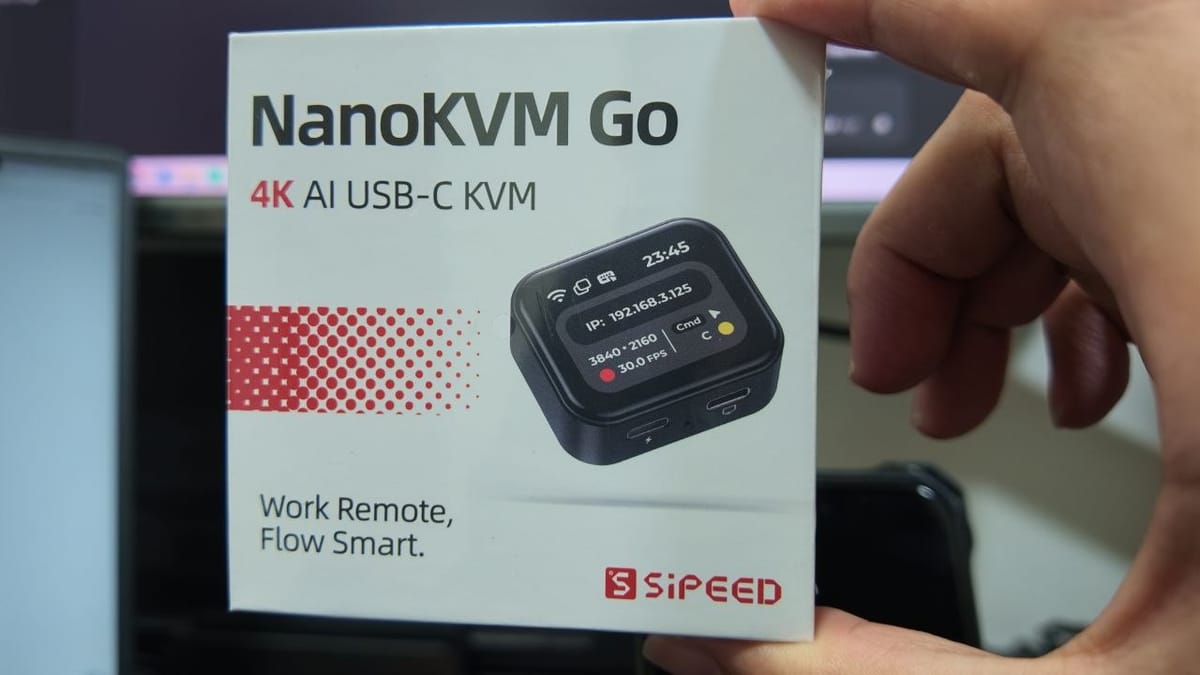
This one landed on my desk today: the Sipeed NanoKVM Go, a palm-sized KVM that does its work over a single USB-C cable. The box calls it a “4K AI USB-C KVM”, and the tagline on the front — Work Remote, Flow Smart — tells you exactly who it’s for.
If you’ve ever been stuck on a call trying to talk a family member through a phone setting, or had a mini PC freeze with no way back in, this is the class of problem it solves. Software remote desktop is fine until the machine freezes, won’t boot, or never had an OS on it in the first place. A hardware KVM sits below all of that.
What It Is
The NanoKVM Go connects to a target device through its main USB-C port and carries DisplayPort video, keyboard and mouse emulation, audio, a virtual USB drive and a virtual network interface over one full-featured cable. No driver, no client software on the target. You then open a browser on any other device — phone, tablet or computer — and see the screen and operate it.
Networking is dual-band Wi-Fi 6 (2.4 / 5 GHz, up to 286 Mbps), and Tailscale is built in, so you can reach it from outside the local network without opening ports to the internet.
Key Features
- 4K capture — up to 4K@45 or 2K@90, with two-way audio
- 1.83-inch colour touchscreen — the unit in the box art shows its own IP (192.168.3.125), resolution (3840×2160), frame rate and connection status at a glance
- Virtual USB drive — mount an ISO and install an operating system remotely, or drop into UEFI/BIOS
- Auxiliary USB-C port — PD 3.0 pass-through up to 20 V with PPS, so the target stays charged while you work, plus expansion IO for a FingerBot to press a physical power button
- MCP support — authorise it and compatible AI agents can see the real screen and act through hardware-level input
- No install on the target — unplug the cable and remote access is over
- Tiny — roughly 45 × 40 × 15 mm and about 1.6 W at 4K30
Good to Know Before You Buy
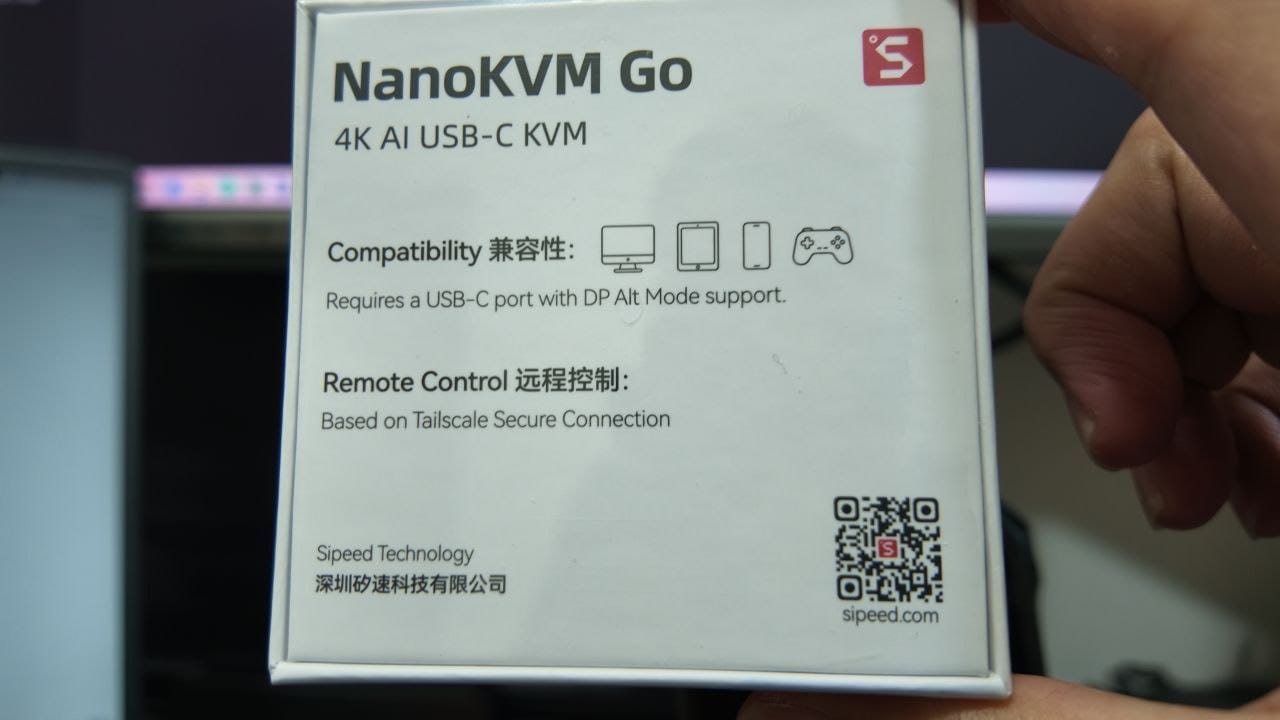
The one hard requirement is stated plainly on the back of the box: the target needs a USB-C port with DP Alt Mode. A port that only does charging or ordinary USB data cannot output video, so check your device before ordering. On the vendor’s compatibility list that means MacBooks from 2016 onwards, MacBook Air 2018+, Mac mini, Steam Deck, Windows and Linux laptops with a DP Alt Mode port, and phones from iPhone 15 onward (with AssistiveTouch switched on).
There are two models: the Go (16 GB storage, 256 MB memory, $79 pre-order) and the Go+ (64 GB storage, 512 MB memory, a 3.2 TOPS NPU, offline OCR and screen recall of up to about 180 days, $109 pre-order). Both do the same core KVM and MCP work — the Go+ is the one for AI workflows that need more local context.
First Impressions
Smaller than I expected, and the packaging is refreshingly no-nonsense: the device, a full-featured USB-C cable and a connection guide card, with the compatibility icons and QR code printed straight on the back rather than buried in a manual.
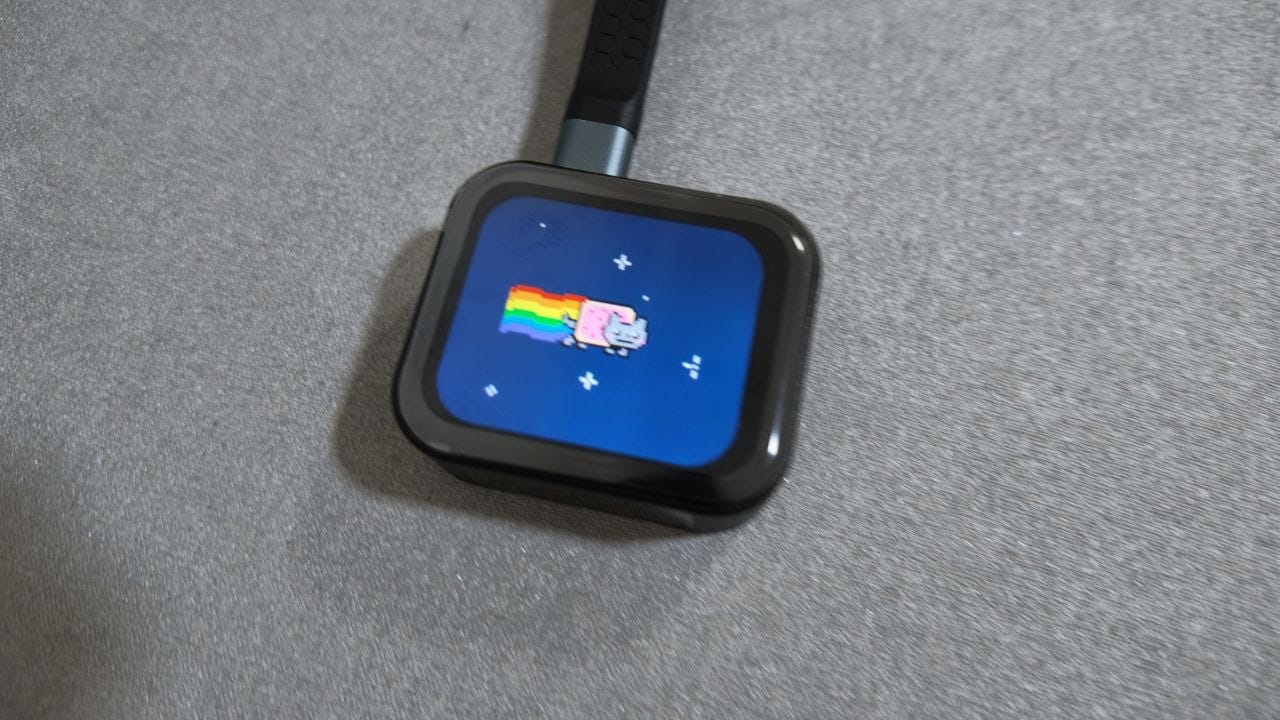
Plugged in, it boots straight to a desktop-style status face on that 1.83-inch touchscreen — mine came up running a Nyan Cat animation, which is about the most cheerful thing I’ve seen a KVM do. Underneath the fun it’s the useful part: the screen is how you read the IP address, join a Wi-Fi network and check what the device is doing, without going back to your phone or laptop for the first setup.
I haven’t put it through a real remote session yet. The two things I want to check are how the 4K stream actually feels over 5 GHz Wi-Fi on a busy network, and whether the PD pass-through keeps a phone charging fast enough during a long support call. I’ll update this post once I’ve had a proper run at it.
Anyone already using a NanoKVM or a PiKVM in their homelab? Keen to hear how the portable version compares. 🖥️

Member discussion: